To choose a CMS, start from the people who will edit the site and the content they will publish, not from the product. For most business websites, WordPress with its native block editor is the sensible default: mature, widely supported and yours to move. A headless CMS earns its extra complexity when the same content must feed several front ends, such as a website, an app and in-store screens. Hosted builders suit small sites that must launch fast and will not grow complex. This guide explains what a CMS must do for you, where each option stands today, how to decide, and how to migrate without losing what the old site earned.
Last updated: 29 October 2026.
What must a CMS do for you?
A content management system is where your company’s content lives and where your people edit it. Whatever the name on the box, it should do five things well:
- Match your content model. Services, case studies, articles, vacancies and products each need their own fields and templates, not one generic “page”.
- Be easy for the people who will use it. If an editor needs a developer to change a heading, the CMS is wrong or badly configured.
- Support your languages properly, with separate addresses, translated slugs and search settings per language.
- Produce fast, accessible, search-friendly pages: clean markup, control over titles and descriptions, sitemaps, redirects.
- Let you leave. You should be able to export your content and move hosts without asking anyone’s permission.
Security and maintenance belong on the list too. Every CMS needs updates; the question is who does them and how often. A partner who offers maintenance and support as a service will answer that question before you ask it.
How do we choose a CMS at Odduel?
We are a full-service agency in Barcelona and São Paulo, and we build on whichever system the project needs, so the choice is not a matter of habit. What has changed in our work is where the hours go. AI now carries the repetitive production: the first draft of a block library, the front-end code of a page type, the test scripts, the image preparation and the first pass of a translation. A person reviews and finishes each of them.
That shifts the budget. The CMS set-up, which used to swallow weeks, is a smaller part of the quote; strategy, the concept, art direction, the brand’s voice and the final craft are where the money and the attention go. In our experience a marketing site on a block-editor CMS is delivered in weeks, not months, and the editing experience is designed with as much care as the pages. The practical effect for a client is that the cheaper option on paper is not always the cheaper one over three years; a system that lets your own people publish without help costs less every month it runs.
Is WordPress still a good choice?
WordPress is used by about four websites in ten and holds more than half of the CMS market, according to W3Techs. Its reputation was shaped by years of heavy themes and page builders, but the platform has changed.
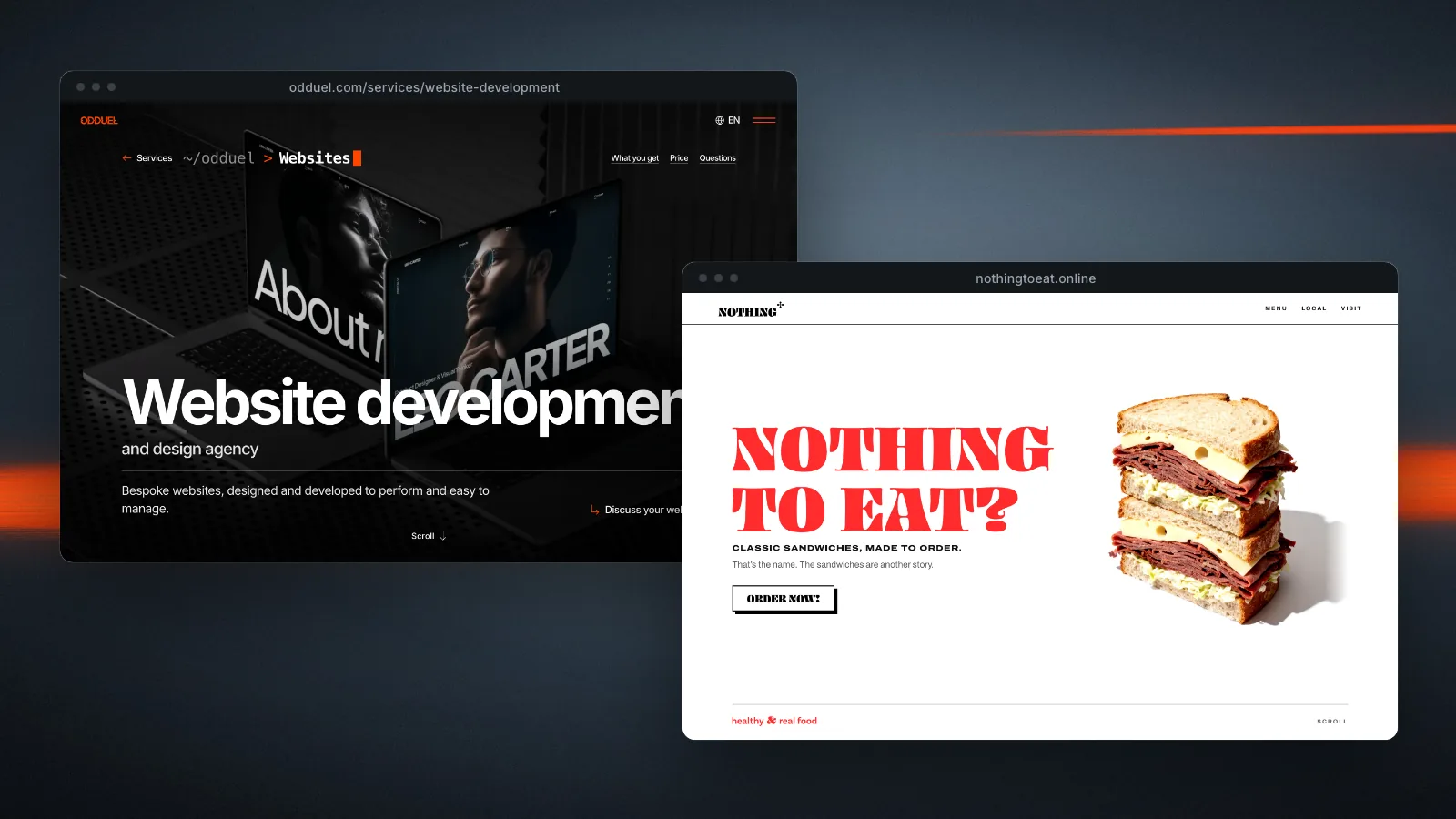
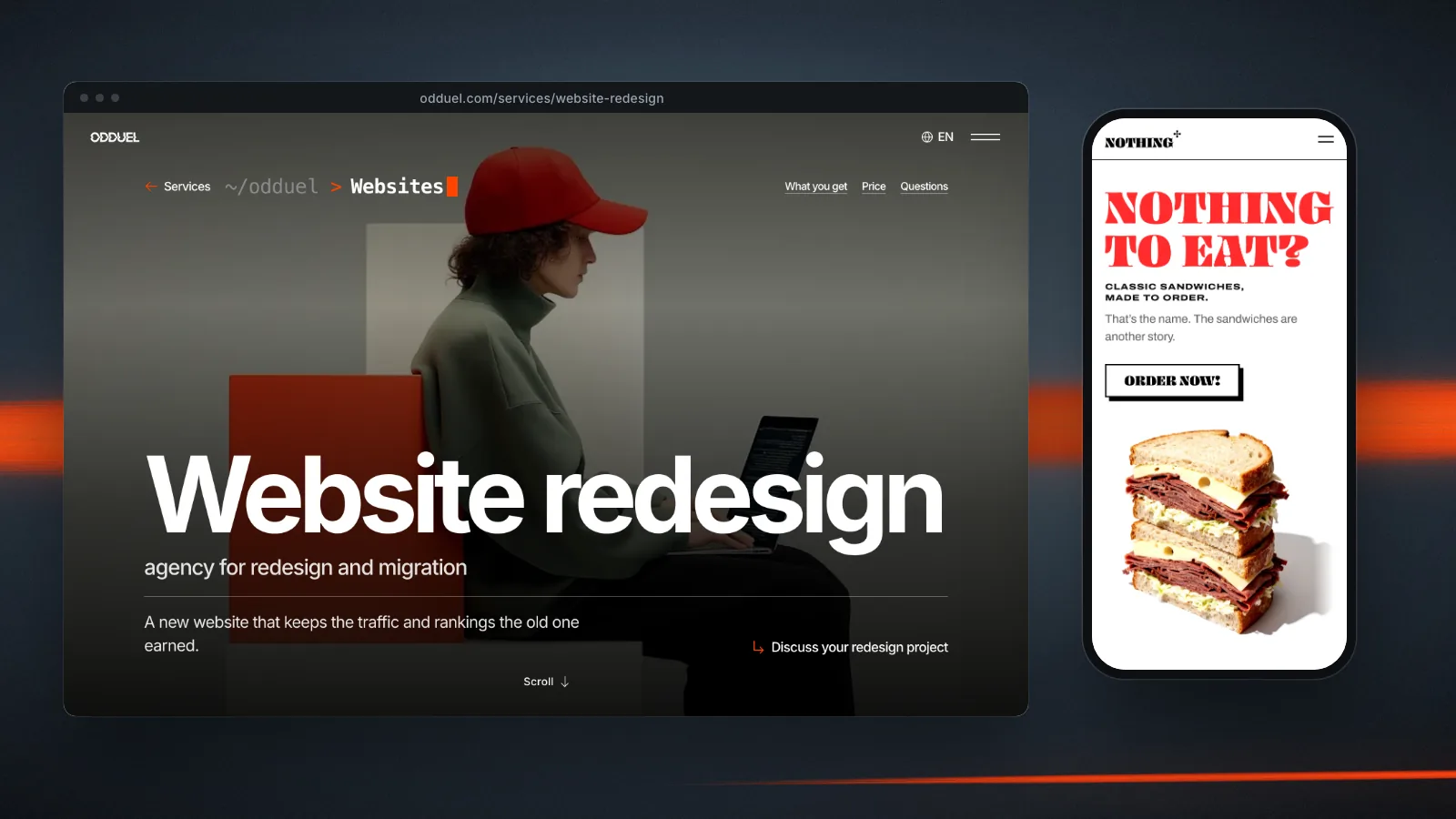
The native block editor, together with block themes, now lets a developer build a fully custom design where editors work with tested blocks that match the brand. Done well, the result is fast to load and pleasant to edit, with no page builder in the way. Our own site runs that way, and so does the Nothing To Eat website: a block theme written for the brand, one page the client can edit in the standard editor, and nothing between the design and the markup.
Strengths:
- A large pool of developers and agencies, so you are not tied to one supplier.
- Mature tools for SEO, forms, multilingual content and e-commerce.
- Open source: you own the installation and the content.
Watch points:
- Plugins are both its power and its risk. Every plugin added is code to maintain, and a site with forty of them is slow and fragile.
- Quality varies widely between builds. A WordPress site is only as good as the people who made it, so judge the partner, not the platform.
The question of what a build like this costs is answered in our guide to how much a website costs.
When does a headless CMS make sense?
A headless CMS stores and manages content but does not produce the pages. A separate front end, often built with a JavaScript framework, fetches the content through an API and renders it. The editing interface is clean and the front end is free to be anything.
When headless makes sense:
- The same content feeds several channels: website, mobile app, kiosks, partner sites.
- The front end needs behaviour a traditional theme cannot easily deliver.
- A product company already has front-end engineers who prefer to work that way.
What it costs:
- Two systems to build, host and maintain instead of one.
- Features a traditional CMS gives you for free (previews, sitemaps, redirects, search settings) have to be built or configured.
- Editors can lose the “what you see is what you get” experience unless previews are set up carefully.
Headless is a good architecture, not a default. For a company whose main channel is one website, it usually adds cost without adding value. Where it is the right answer, the front end is a product in its own right, and we scope it as application development rather than as a website.
When is a hosted builder enough?
Hosted builders bundle the CMS, the design tools and the hosting in one subscription. They are quick to start and need little technical knowledge.
They work well for:
- A first site for a new company.
- Portfolios and event pages.
- Simple shops with a small catalogue.
Their limits appear as you grow: restricted control over code and structure, performance you cannot fully tune, export options that leave you rebuilding if you move, and subscription costs that rise with features. You rent rather than own. For a company at the start, our guide to digital foundations for a startup sets out when renting is the right call and when it stops being one.
How do you decide?
A short decision path:
| If… | Then consider… |
|---|---|
| One main website, a marketing team that edits often, several languages | WordPress with a custom block theme |
| Content feeds a site and an app or other channels | A headless CMS with a dedicated front end |
| Small site, tight budget, little change expected | A hosted builder |
| Large catalogue and complex sales | An e-commerce platform first, CMS second |
Then test the shortlist with real tasks. Ask the candidate partner to show you an editor publishing a case study, translating a page and changing a menu. Ten minutes of that tells you more than any feature list.
The CMS is only one part of the stack; our pillar guide to website development puts it in context with hosting, security and the partner who builds it. And whichever you choose, check that it gives you full control of titles, descriptions and addresses; our SEO guide for 2027 explains why that control matters more each year.
An example. A design studio with offices in two countries publishes projects weekly in two languages and has a marketing coordinator who edits the site. It considers a headless set-up because a developer friend recommends it. Walking through real tasks shows the coordinator would need developer help for previews and translations. A block-editor WordPress build with a proper multilingual set-up covers every task, costs less to run and leaves the studio free to change suppliers later.
How do you migrate to a new CMS?
Changing CMS is often part of a website redesign, and the migration deserves as much planning as the design. A good migration plan covers:
- Content inventory: every page, post, file and form, with a decision for each (keep, rewrite, merge, retire).
- Content mapping: which fields in the old system go to which fields in the new one.
- Addresses: every old URL redirected to its new equivalent with a permanent redirect, so the rankings the old site earned carry over.
- Media: images moved with their alt text, renamed where the names are meaningless.
- Search settings: titles, descriptions and indexing rules carried over.
- Testing: a full crawl of the new site on staging before launch.
AI speeds up the inventory and the mapping considerably. At Odduel we use it to classify old content and to draft the redirect map, which a person then reviews line by line, because one wrong redirect costs more than the hour it saves.
Questions people ask
Is WordPress still a good choice in 2027?
Yes, for most business websites. The native block editor and block themes allow a fully custom design without a page builder, the pool of developers is the largest of any CMS, and you own the installation. The condition is the quality of the build: keep plugins few, keep the theme bespoke and keep updates regular.
What is the difference between WordPress and a headless CMS?
WordPress manages the content and produces the pages in one system. A headless CMS manages the content only and hands it to a separate front end through an API. Headless gives more freedom to the front end and costs more to build and run, so it pays off when the content feeds several channels, not just one website.
How much does a CMS cost?
Open-source systems such as WordPress have no licence fee, but you pay for design, build, hosting and maintenance. Headless and hosted products usually charge subscriptions that rise with users, content or features. Compare the total cost over three to five years, not the first month.
How long does it take to build a site on a new CMS?
In our experience a marketing site on a block-editor CMS takes weeks from the approved design, because AI carries the repetitive production and people spend their time on the craft. Headless builds take longer because there are two systems to set up. Migrating content adds time in proportion to its volume.
What should I ask a partner before they choose a CMS for me?
Why that CMS for your case, who will maintain it, how editors will do common tasks, how multilingual content and search settings are handled, and how you would move away from it if you had to. A partner who answers the last question without hesitation is one you can trust with the first.
If you are weighing CMS options for a new or rebuilt site, we can walk your editors through real tasks on each option before you commit. Read about our website development service, or talk to us about your project.
Further reading: E-commerce in 2027: building a shop that sells, URL slugs: small detail, lasting effect.