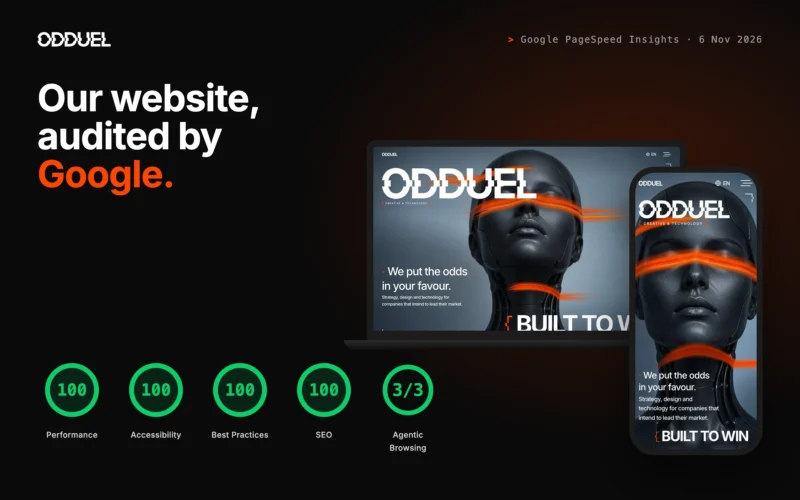
Website development is the work of planning, designing, building and launching a site that does a job for the business: winning enquiries, selling products, recruiting, or explaining a complex offer. Getting it right comes down to three decisions taken in order: what the site must do, which stack will carry it for the next five years, and who builds it. This guide walks through each one plainly, from the parts a modern site is made of to the CMS, hosting, security and what a good partner should give you, so you can commission a custom website with confidence rather than guesswork.
What is website development made of?
A business website looks like a set of pages, but underneath it is a small system with distinct layers. Knowing them makes every quote easier to read.
- Content model. The types of content you publish (services, case studies, articles, team, vacancies) and the fields each one holds. A good model is the difference between a site your marketing people can run and one that needs a developer for every change.
- Content management system (CMS). The editing interface and database where that content lives.
- Front end. The templates, styles and scripts that turn content into pages in the browser. This is where design, accessibility and speed are won or lost.
- Integrations. Forms, analytics, the CRM, booking tools, payment, chat, newsletters.
- Infrastructure. Hosting, domain, certificates, backups, monitoring.
Most problems we see in older sites come from treating these as one thing. A slow site is usually a front-end problem, not a hosting one; an unmanageable site is usually a content-model problem, not a CMS one. When you read a proposal for website development, check that each layer is named and that someone is responsible for it.
The way these layers are built has changed. At Odduel, AI carries the repetitive production: design-system components, front-end code, first drafts of copy, image preparation, testing and first-pass translations. That is why a custom site now costs less and is delivered in weeks rather than months. The strategy, the concept, the art direction, the brand voice and the final craft stay human work, and that is where the budget goes.
Which CMS should you choose?
The CMS decides how your people will work every day, so it deserves more thought than it usually gets. For a longer comparison, read our guide on how to choose a CMS; here is the short version.
There are broadly three families. Open-source platforms such as WordPress, now built around a native block editor, cover most marketing sites well and have the widest pool of people who can maintain them. Headless systems separate editing from presentation and suit companies publishing to several front ends at once (a site, an app, in-store screens). Hosted builders are quick to start and cheap to run, but you rent the platform rather than own it.
What to decide first
Before comparing products, settle the questions that rule options in or out:
- Who will edit the site, how often, and with what skills?
- Do you need more than one language, and will each language have its own addresses? That changes the CMS decision more than almost anything else.
- Which systems must the site talk to from day one?
- Do you need to own and move the code and content freely later?
What to leave for later
Some choices feel urgent but can wait for a second phase without cost: member areas, advanced personalisation, a headless architecture “just in case”, or a dozen plugins for features nobody has asked for yet. A sound content model keeps those doors open. Building them on day one mostly adds budget and maintenance.
Custom or template: which do you need?
A template is a ready-made design you fill with your content. A custom website is designed and built for your content, your audience and your brand. Both are legitimate; the question is what the site has to achieve.
| Template | Custom | |
|---|---|---|
| Upfront cost | Lower | Higher |
| Time to launch | Weeks | Weeks to a few months |
| Fit with brand | Approximate | Exact |
| Performance | Often weighed down by unused features | Built for what you use |
| Long-term flexibility | Limited by the theme author | Yours to change |
Templates suit a first site for a new company with a narrow budget, or a short-lived campaign. A custom build earns its cost when the site is a main sales tool, when the brand must feel distinct, or when performance and search visibility matter. A custom site whose UX and UI design is made for one audience and one offer usually pays back its difference quickly.
AI has narrowed the gap between the two. Because the scaffolding, the component code and the test cases are produced quickly, the price of a custom build is closer to a template than it used to be, and the hours saved go into design, copy and the details visitors notice. We explain what that looks like in practice in our article on AI in web design and development.
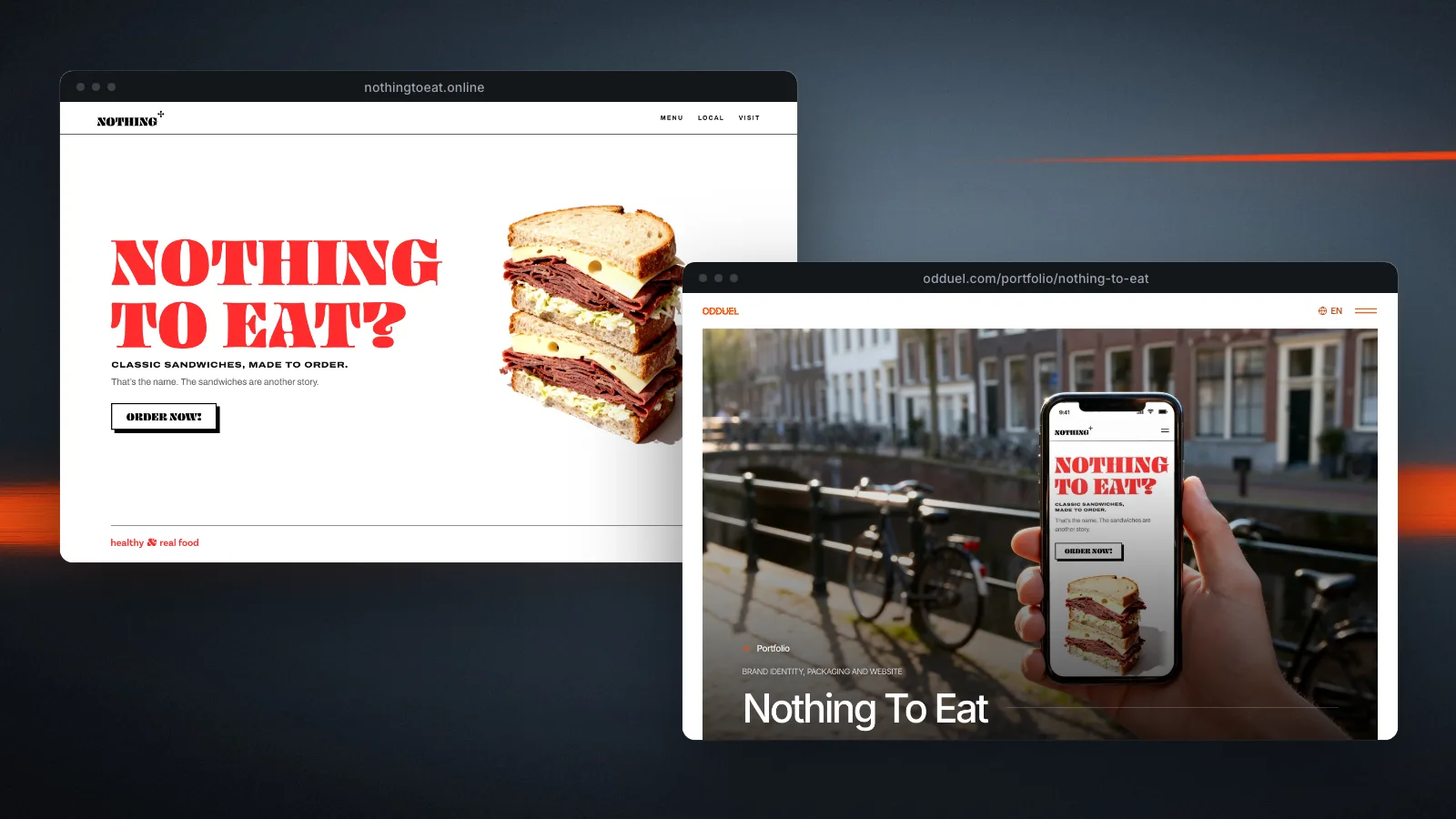
An example. Nothing To Eat, a sandwich brand in Amsterdam, needed a site that would carry the identity we had designed for it, with no shop and no booking. We built a one-page site on WordPress with its own block theme: the page is ordinary blocks the client can edit, the pattern of the brand runs through the whole page, and nothing was loaded that the page does not use. The case study shows the identity and the site together.
What hosting does a business site need?
Hosting is where the site runs. The options range from shared hosting (cheap, crowded, unpredictable) to managed platforms and virtual servers you control. For most business sites a managed host or a well-configured virtual server is the right middle ground.
Three things matter more than the price per month:
- Location and speed. Servers close to your audience, modern protocols such as HTTP/3, and sensible caching.
- Backups you have tested. A backup you have never restored is a hope, not a plan.
- Clear ownership. The hosting account, the domain and the DNS should be in your company’s name, not your developer’s.
Hosting also affects search visibility indirectly. Slow responses, frequent downtime and broken pages all show up in how search engines treat a site. The small technical files matter too: a wrong line in the robots file can hide a whole site from search, and a missing redirect turns a ranking page into an error. Our guide to SEO-friendly URLs covers addresses and redirects in detail.
How do you keep a website secure?
Website security is mostly unglamorous discipline rather than clever technology. The essentials:
- Keep the CMS, theme and plugins up to date, and remove anything unused.
- Use strong, unique passwords and two-step sign-in for every account with access.
- Serve everything over HTTPS and send modern security headers.
- Limit sign-in attempts and switch off features you do not use, such as XML-RPC on WordPress.
- Keep form submissions and personal data to what you need, in line with the GDPR.
- Monitor uptime and errors so you hear about problems before visitors do.
Most breaches of small business sites exploit known, already-fixed weaknesses in outdated software. A maintenance and support plan is cheaper than a clean-up.
When a site moves, changes structure or retires pages, plan a 301 redirect for every old address. That is as much a part of protecting the site as any firewall: it protects the search visibility you have already earned. A website redesign that forgets this loses rankings it took years to build.
What should you expect from a partner?
Choosing a web development company is choosing the people you will rely on for years. Our article on how to choose a digital agency goes into the selection; here is what a good partner should give you on a website project:
- A clear scope that names pages, templates, integrations, languages and what is out of scope.
- Design before build, with real content wherever possible rather than placeholder text.
- Staging and sign-off: a private preview you can review before anything goes live.
- Ownership: the code, the content and every account handed over in your name.
- A measured launch: speed, accessibility and search checks run before launch, not after complaints.
- Support after launch, with a defined response time.
Ask how they use AI. A good answer is specific: where it saves time, who reviews its output, and how the savings show up in your budget or your timeline. A vague answer, or none, tells you something too. In our experience the honest version is that AI makes the production faster and the review more important, not less: every component, every line of copy and every translation is read by a person before it ships.
Ask also how the first weeks will go. A partner who can describe the onboarding step by step (who you will talk to, what they need from you, when you will see the first design) has done it before.
Questions people ask
How much does website development cost?
It depends on the number of templates, integrations and languages more than on the number of pages. A small, well-made marketing site and a custom e-commerce build sit in very different ranges. Our guide to how much a website costs explains what moves the price and what AI has changed.
How long does website development take?
In our experience a focused marketing site takes weeks rather than months from an approved brief to launch. Because AI handles much of the repetitive build work, more of the schedule goes to design, content and testing. Larger projects are planned in phases so something useful goes live early.
WordPress or a headless CMS?
For most marketing sites WordPress with a native block editor and a theme built for you is the sound choice: your people can edit it and many developers can maintain it. A headless CMS earns its extra cost when the same content must feed several front ends, or when the site is part of a larger product.
What should I ask before choosing a web development company?
Ask who owns the code and accounts at the end, how content will be edited, how they test speed and accessibility, what support costs after launch, and how they use AI. Ask to see a live site they built and a staging process, not only screenshots.
Do I need a custom website or will a template do?
A template does for a first site with a narrow budget or a short campaign. Choose a custom website when the site is a main sales tool, when the brand must be distinct, or when speed and search visibility carry real money. The gap in price between the two is smaller than it was.
If you are planning a new site or rebuilding an old one, start with the three questions above: what the site must do, what will carry it, and who will build it. If you would like a partner for the whole of it, from content model to launch and support, see our website development service, or talk to us about your project.