UX UI design is the work of deciding how a website, app or software product works for the people who use it (UX, user experience) and how it looks and responds on screen (UI, user interface). For business owners, good UX UI design means fewer abandoned forms and carts, fewer support requests and a product people choose to use, and it comes from research with real users, tested prototypes, a consistent design system and accessibility built in from the start. This guide is written for the people who commission design: where to start, what a project involves, what you receive, what drives the cost, the EU rules, how to choose a partner and how to measure results.
Last updated: 3 November 2026.
What is UX UI design?
UX design is the structure and logic of a digital product: what people need to do, the steps to do it, the information they need at each step and what happens when something goes wrong. UI design is the visible layer: layout, type, colour, buttons, icons, motion and every state of every component.
The two are separate skills that depend on each other. A beautiful interface on a confusing flow still loses customers; a logical flow with a careless interface feels untrustworthy. Most projects need both, in that order.
For a deeper look at the disciplines themselves, our UX UI design guide explains the vocabulary and methods. This article focuses on commissioning and running the work. At Odduel, a creative and technology agency in Barcelona and São Paulo, our UX/UI design service covers research, flows, prototypes, interfaces and design systems for websites, apps and business software.
In short: start from a business problem you can measure. Talk to real users before designing. Test prototypes before building. Ask for a design system, not a pile of screens. Build accessibility in from the first wireframe. Measure task success, conversion and support requests before and after.
Why does UX UI design matter for a business?
UX UI design matters because every point of friction in a digital product costs money: a customer who gives up on a form, a member of staff who works around a slow tool, a support request that a clearer screen would have prevented.
- Revenue: clearer product pages, checkouts and forms convert more of the visitors you already have.
- Costs: good design reduces support requests, training time and errors in internal tools.
- Development efficiency: problems found in a prototype cost a fraction of problems found after launch.
- Brand: the interface is where most customers experience the brand most often.
- Reach: accessible design opens the product to everyone, including people with disabilities and older users.
Where should a company start with UX UI design?
Start with a problem and the evidence for it, not with a request for new screens.
- Name the problem. “Half of new users never complete sign-up” is a design problem. “The app looks old” may be one too, but needs evidence.
- Gather what you know. Analytics, support tickets, sales feedback, reviews and previous research.
- Define the users. The main groups, what they try to do and in what context (on the move, at a desk, in a hurry).
- Set the measures. Two or three numbers the design should move: completion rate, time on task, conversion, support requests.
- Agree the scope. A new product, a redesign of key flows, or improvements to what exists. A UX audit checklist helps decide which.
- Name the decision-makers. Who approves, and how many review rounds there will be.
What does a UX UI design project involve in practice?
A UX UI design project involves five phases, each reducing uncertainty before the next. Our article on the UX design process describes each method in detail; here is what each phase means for you as a client.
Research
Interviews, observation, analytics review and competitor analysis show how people use the product today and where they struggle. You should expect a short summary of findings, not a thick report.
Structure and flows
Information architecture organises content and features; user flows map each task step by step. This is where most UX value is created, often before any screen is drawn.
Wireframes and prototypes
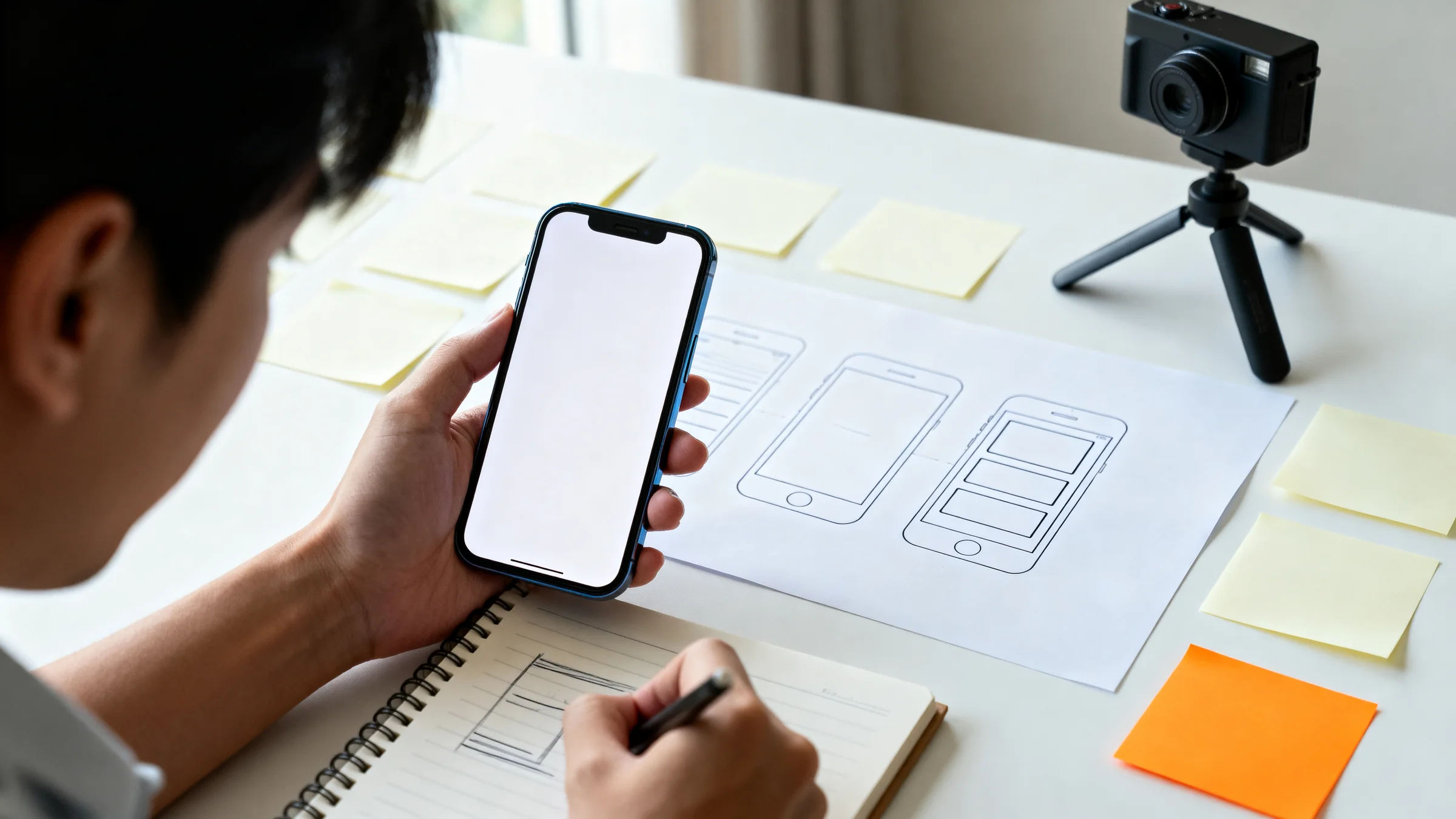
Wireframes lay out each screen in simple form. Clickable prototypes link them so people can try the product. Testing with a handful of real users per round typically reveals the main problems.
Interface design
The visual design applies the brand to every screen and component, defines states (empty, loading, error, success), and specifies motion and responsive behaviour from phone to desktop.
Design system and handover
Components, styles and rules are documented in a design system so developers build consistently and future screens stay coherent. Handover includes specifications, assets and support during development.
What should a UX UI design project deliver?
Deliverables depend on scope, but a clear proposal lists them so you know what you are buying.
| Deliverable | What it is | Why it matters |
|---|---|---|
| Research summary | Findings from users, data and competitors | Grounds decisions in evidence rather than opinion |
| User flows and sitemap | The structure and the steps of each task | Fixes logic before visual work |
| Wireframes | Simple layouts of each screen | Fast to change, easy to review |
| Clickable prototype | Linked screens people can try | Lets you test before building |
| Usability test results | What users did and where they struggled | Shows what to change and why |
| Interface designs | Final screens in every state and size | What developers build |
| Design system | Components, styles and usage rules | Consistency and faster future work |
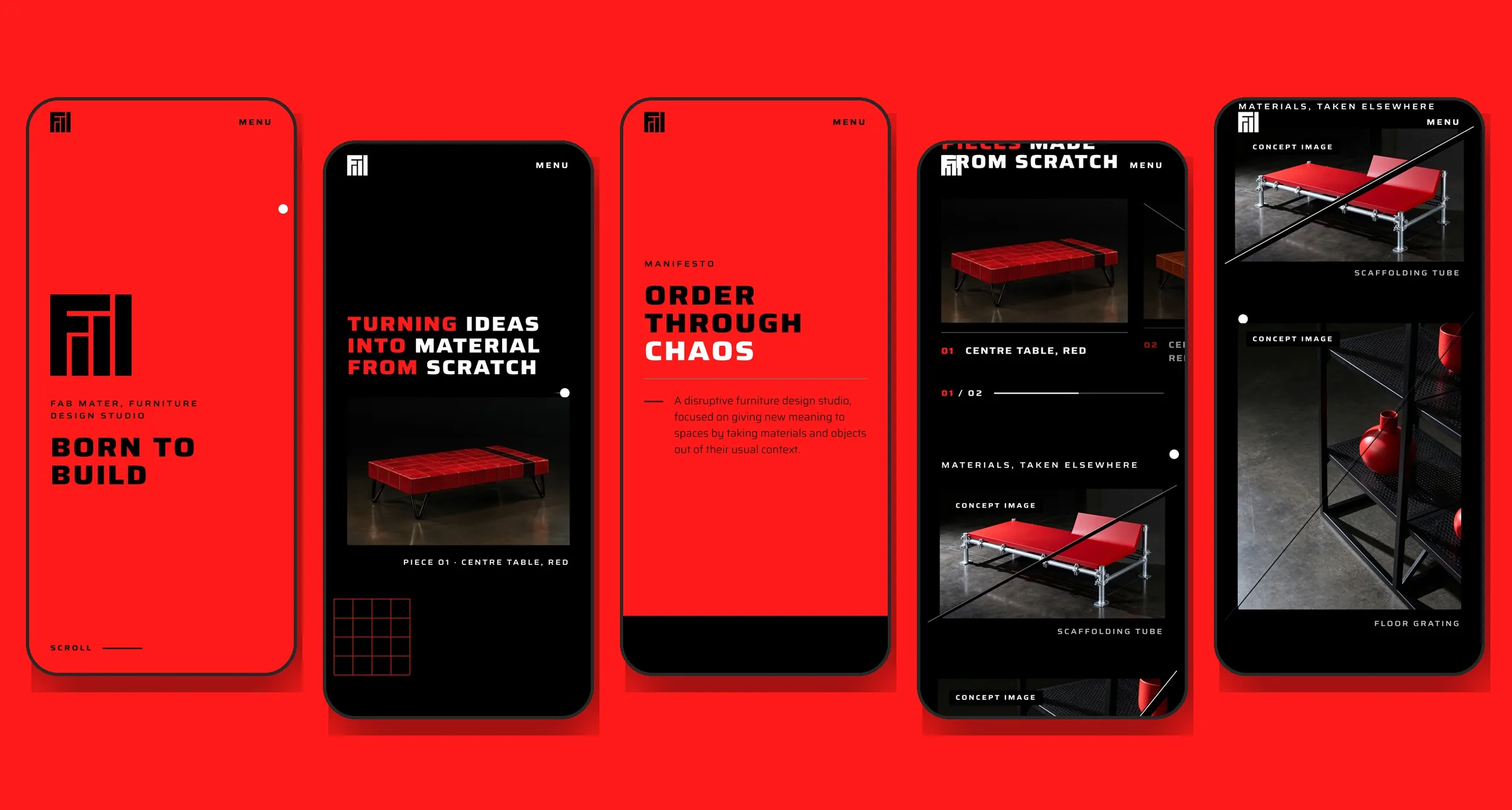
Our design work on the Fab Mater website shows a single design language carried across phone and desktop layouts.
How long does UX UI design take?
A focused redesign of one or two key flows can take a few weeks; a new product with research, several rounds of testing and a full design system takes a few months. The schedule depends on scope, access to users for research and testing, and how quickly decisions are made.
Design and development usually overlap: once the structure and system are stable, developers can start on the first flows while designers finish the rest.
What drives the cost of UX UI design?
The cost of UX UI design depends on the depth of research, the number of flows and screens, and the breadth of the design system. We do not publish price ranges because a fair figure follows a short brief, but every proposal is built from these lines.
- Research depth: desk research and analytics cost a fraction of interviews across several user groups and countries.
- Number of flows and unique screens: the main driver of design effort.
- Platforms: web only, or web plus iOS and Android, each with its own conventions.
- Testing rounds: each round of usability testing adds preparation, sessions and analysis.
- Design system breadth: a small component library is far smaller than a full system with documentation for several products.
- Accessibility level: designing and checking to a defined level adds work and avoids costly fixes later.
- Languages: layouts must hold longer words and different text lengths in each language.
Which accessibility rules affect UX UI design in Europe?
Accessibility is the area where European rules most directly shape design decisions.
- The European Accessibility Act covers many consumer-facing digital services, such as e-commerce and banking, and requires them to be usable by people with disabilities.
- Public sector bodies must make their websites and apps accessible under their own EU rules.
- The technical reference for both is the W3C’s Web Content Accessibility Guidelines: sufficient colour contrast, text that can be resized, full keyboard use, clear focus states, labelled form fields, error messages that explain how to fix the error, and content that works with screen readers.
Most accessibility is decided in design: contrast, type size, target size, focus order and error states. It costs little when built into the design system and a lot when fixed after launch.
How is AI changing UX UI design?
AI tools now help with parts of the work, such as summarising research, generating layout variations and drafting copy, and products increasingly include AI features that need their own design patterns. Research with real users, judgement and accessibility remain human responsibilities. Our article on AI in UX design covers both sides.
How do you choose a UX UI design partner?
Choose a partner whose process includes your users, not just your stakeholders.
- Ask how they research. They should talk to users or analyse real data before designing.
- Ask how they test. Prototype testing with real users should be routine, not an extra.
- Look at products, not mock-ups. Ask to see live products and what changed after launch.
- Ask about design systems. You need reusable components, not a set of static screens.
- Ask about accessibility. They should name the level they design to and how they check it.
- Ask how they work with developers. Handover and support during build decide whether the design survives.
How do you measure whether UX UI design works?
You measure UX UI design on user behaviour and business results, compared with the starting point.
- Task success rate: the share of users who complete key tasks, in testing and in analytics.
- Time on task: how long key tasks take.
- Conversion rate: sign-ups, enquiries or purchases on the redesigned flows.
- Error and drop-off rates: where users fail or leave.
- Support requests: volume and topics related to the redesigned areas.
- Satisfaction: short surveys or ratings after key tasks.
Record these before the project starts. Without a baseline, nobody can say whether the design worked.
Questions people ask
What is the difference between UX and UI design?
UX design decides how a product works: the structure, the steps of each task and the information people need along the way. UI design decides how it looks and responds: layout, type, colour, buttons and motion. UX comes first and shapes the flow; UI makes it clear, consistent and pleasant to use.
Do small businesses need UX UI design?
Yes, scaled to their size. A small business may not need a large research programme, but it benefits from testing its key pages and forms with a few real customers, a clear structure and a consistent interface. Small improvements to a contact form or checkout often pay back quickly.
How many users do you need for usability testing?
A handful of users per round usually reveals most of the significant problems in a flow, because the same issues tend to repeat quickly from one session to the next. It is better to run several small rounds, fixing problems in between, than one large round. Different user groups may each need their own sessions.
What is a design system and do we need one?
A design system is a documented set of reusable components, styles and rules, such as buttons, forms, type and colour, that designers and developers share. Any product that will grow or be maintained by several people benefits from one, because it keeps screens consistent and makes new work faster and cheaper.
How does UX UI design relate to development?
Design decides what to build and how it should work; development builds it. They work best in close contact: developers review designs early for feasibility, designers support the build and check the result, and the design system is mirrored in code. A handover without that contact often leads to compromises nobody chose.
Pick one key task in your product and watch three customers try it: you will know where to start. When you want help turning that into better design, see our UX/UI design service or tell us about your product.