The UX design process is the sequence of work that turns what users need and what a business wants into a product people can use without thinking: research, structure, wireframes, interface design, prototyping and testing, then handoff to development, repeated as the product learns. For a client, each stage has a clear input you provide and a clear output you should receive, and judging the process by those outputs is the surest way to know it is real. This guide explains each stage from the client’s side, with a table of inputs, outputs and relative time, and the signs of good and weak UX work.
Last updated: 21 October 2026.
Why does the client’s view of the process matter?
Most explanations of UX are written for designers. They describe methods and tools, which is useful if you are doing the work and confusing if you are paying for it. As a client you need to know something different: what each stage needs from you, what you will have at the end of it and whether it was worth the time.
The UX design process exists to reduce expensive surprises. A problem found in a sketch costs minutes; the same problem found after launch costs a rebuild and lost customers. Every stage below is there to move discoveries earlier.
At Odduel, a creative and technology agency in Barcelona and São Paulo, our UX/UI design service runs these stages on websites, apps and internal tools. The size of each stage changes from project to project; the order rarely does.
In short: the UX design process runs from research to structure, wireframes, interface design, prototype and testing, then handoff. You provide access, knowledge and decisions; you receive findings, a structure, screens, a tested prototype and documentation. Stages repeat in small loops. If you cannot see the output of a stage, ask for it.
The UX design process at a glance
The table below sets out what each stage asks of you, what you should receive and how much of the project it usually takes in relative terms.
| Stage | What you provide | What you receive | Share of the time |
|---|---|---|---|
| 1. Discovery and research | Goals, data, access to users and staff | Findings, user groups, key journeys, priorities | Small to medium |
| 2. Structure | Content inventory, business rules | Site map or app structure, navigation, flows | Small |
| 3. Wireframes | Feedback on layout and priorities | Low-detail screens for every key page or step | Medium |
| 4. Interface design | Brand guidelines, approvals | Final screens, components, states | The largest share |
| 5. Prototype and testing | Testers or access to customers | Clickable prototype, test results, changes made | Medium |
| 6. Handoff and support | Questions from developers | Design files, component library, specifications | Small, then ongoing |
Stage 1: discovery and research
Discovery answers three questions: who uses the product, what they are trying to do and where they struggle today. Research can include interviews with customers and staff, analytics, support tickets, a review of the current product and a look at how competitors handle the same tasks.
You provide the goals, any data you have and access to the right people. Ten or so short interviews with real users usually reveal more than a large survey. Expect to receive a short report of findings, the main user groups, the most important journeys and a list of priorities agreed with you.
If your product already exists, an audit is often the fastest start. Our UX audit checklist shows what such a review covers.
Stage 2: structure
Structure decides where everything lives and how people move between it: the site map for a website, the screens and flows for an app. It is built from the research and from your content and business rules.
The output is a diagram of pages or screens, the main navigation, and flows for the key tasks, such as signing up, booking or buying. This is the cheapest moment to change your mind about what the product contains. A missing step here is a line on a diagram; later it is a new screen, new code and new tests.
Stage 3: wireframes
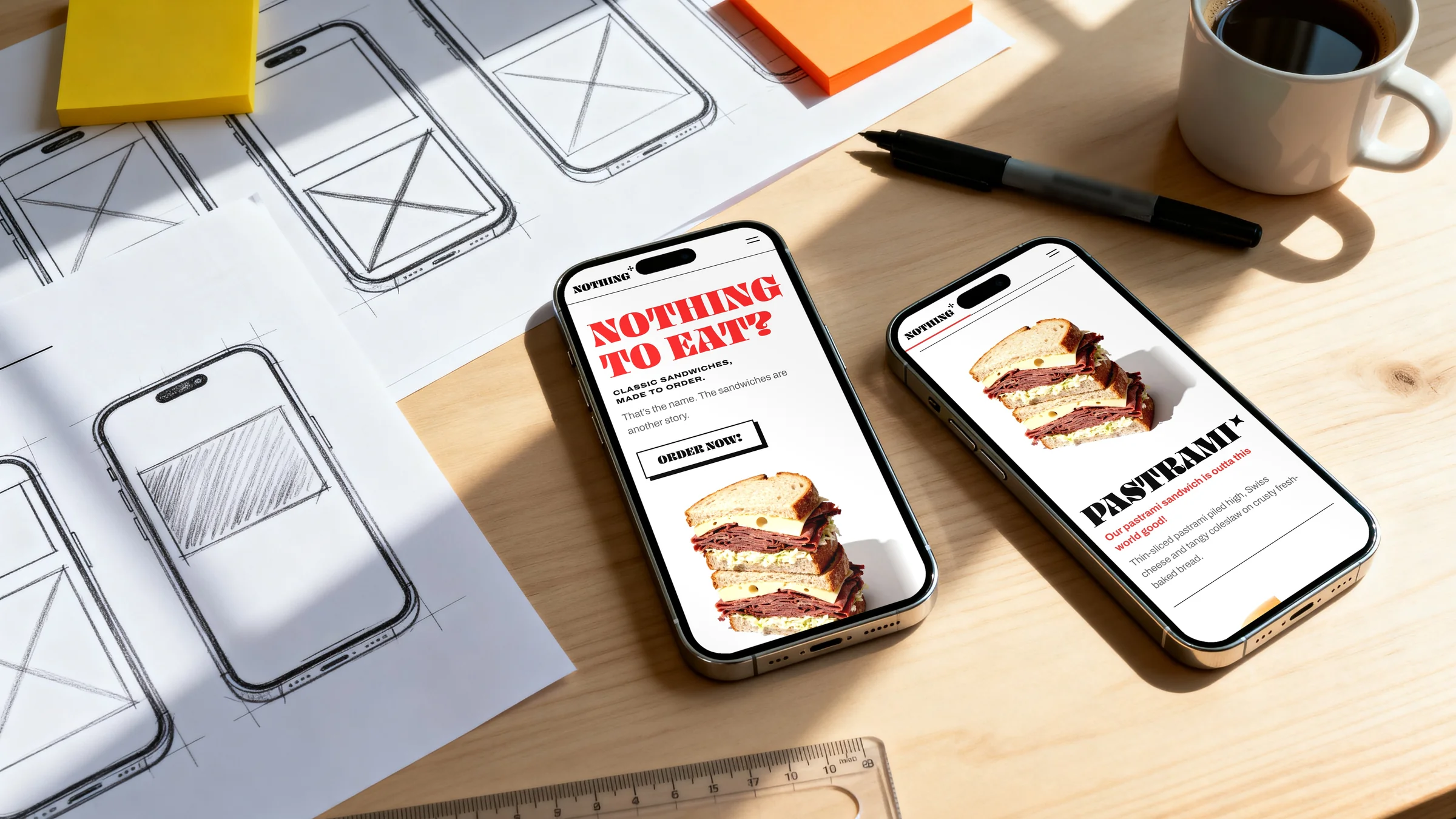
Wireframes are simple, low-detail layouts of each key screen. They deliberately leave out colour, imagery and final text so the conversation stays on priorities: what appears first, what is grouped together, what the user does next.
Your role is to check that the right things are prominent and that business rules are correct. Resist judging the look; it is not designed yet. A good set of wireframes covers every key page or step, including what happens when something goes wrong or a list is empty.
Stage 4: interface design
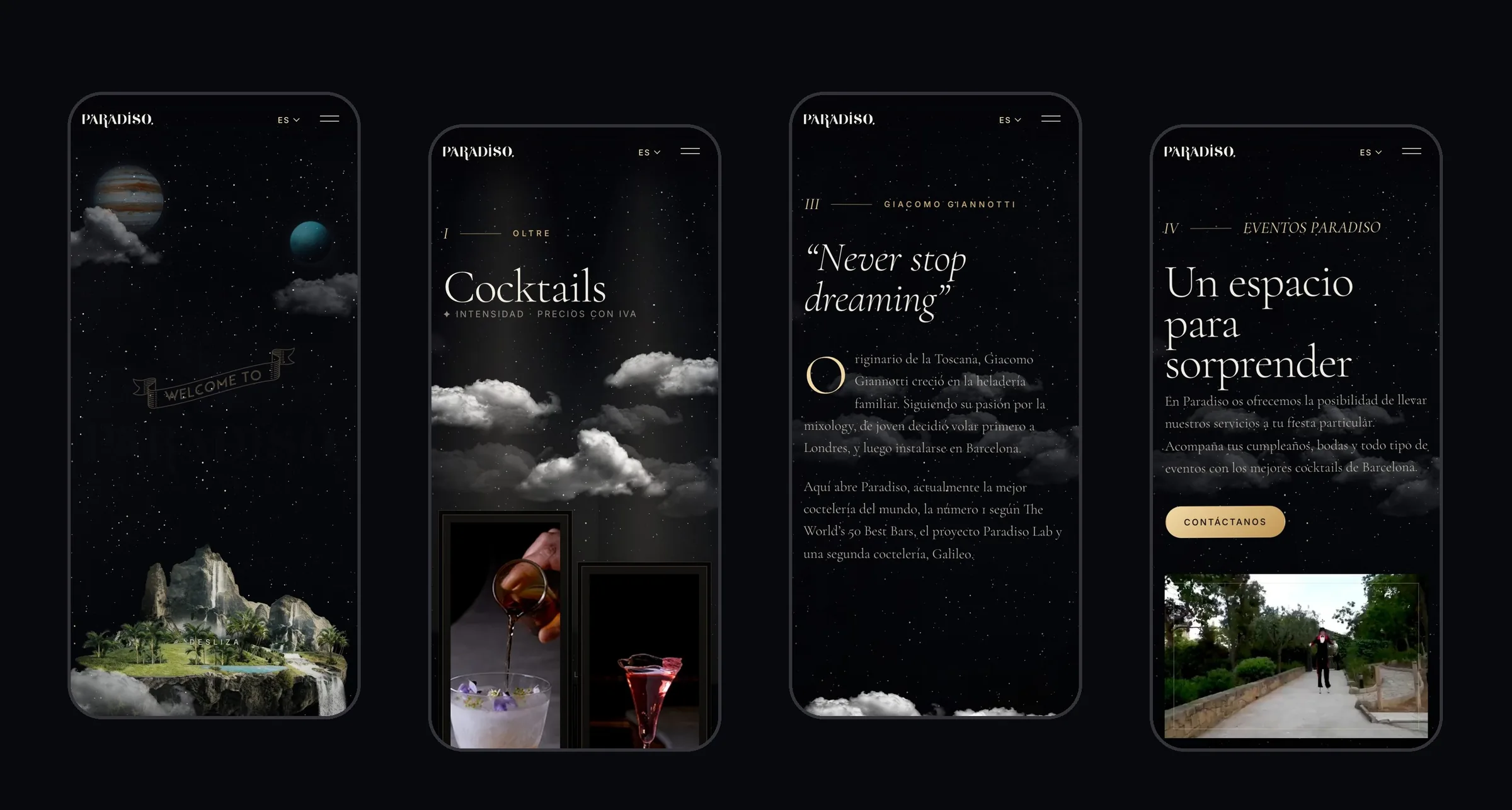
Interface design applies the brand to the wireframes and turns them into finished screens: typography, colour, imagery, icons, spacing and motion. Good interface work is built as a system of components, such as buttons, forms, cards and navigation, so that new screens can be added later without starting again.
This stage usually takes the largest share of design time. You provide brand guidelines and approvals. You receive final screens for each breakpoint or device, every state of each component (default, hover, focus, error, disabled) and a component library the developers will build from.
Accessibility belongs here, not at the end. Text size, contrast, focus states and touch targets are design decisions, and the Web Content Accessibility Guidelines are the reference most European rules point to.
Stage 5: prototype and testing
A prototype links the screens so people can click or tap through the key tasks as if the product were real. Testing it with five to eight people from the target audience typically surfaces most of the serious problems in a flow.
You help find testers, ideally real customers or prospects. You receive the prototype, a short summary of what testers did and where they struggled, and the changes made in response. Testing is not a pass or fail exam; it is the cheapest way to fix the design before development starts.
Stage 6: handoff and support during development
Handoff gives developers everything they need: the design files, the component library, specifications for spacing, behaviour and animation, and answers to their questions. Designers should stay involved while the product is built, reviewing what is implemented and solving the gaps that only appear in code.
After launch, the process starts again in smaller loops: analytics and feedback show where users struggle, and the team designs, tests and ships improvements.
What should you prepare before the UX process starts?
A few things on your side make every stage faster and the result better. None of them needs a designer.
- One decision maker. Name the person who approves each stage. Design by committee slows the process and blurs the result.
- Your goals in numbers, where you have them. Conversion, sign-ups, support requests or task completion: whatever you will judge the product by.
- Access to users. A list of customers or prospects willing to talk for twenty minutes, and permission to contact them.
- What you already know. Analytics, support tickets, sales notes, previous research and any complaints you hear often.
- Constraints. Technical systems the product depends on, legal requirements, brand guidelines and fixed dates.
With these ready, discovery can start in days rather than weeks, and the research spends its time on what you do not know yet.
How do the stages repeat?
The stages above are shown in order, but real projects loop. Testing sends you back to wireframes; development reveals a missing state; launch data reveals a new priority. A healthy process plans for these loops instead of treating them as failures.
How loops are run depends on the delivery method. Our comparison of agile vs waterfall explains how design fits into fixed phases or short cycles. For most projects a fixed discovery and structure phase, followed by design and build in short cycles, balances certainty with learning.
How do you tell good UX work from theatre?
Some UX processes look busy without changing the product. These signs help you tell the difference.
| Good UX work | UX theatre |
|---|---|
| Research with real users, summarised in a few pages of decisions | Long reports nobody acts on |
| Personas tied to specific tasks and evidence | Personas invented in a workshop |
| Wireframes for error and empty states | Only the happy path |
| Testing that changes the design | Testing scheduled after decisions are final |
| Designers involved during development | Files thrown over the wall |
The question to ask at the end of any stage is simple: what did we decide because of this? If nobody can answer, the stage was decoration.
Questions people ask
What are the stages of the UX design process?
The usual stages are discovery and research, structure (site map or app flows), wireframes, interface design, prototyping and testing, and handoff to development. Names vary between teams, and some split or merge stages, but the order is consistent: understand users, decide the structure, sketch, design, test with real people, then support the build and keep improving after launch.
How long does the UX design process take?
It depends on the size of the product and how quickly decisions are made. For a typical business website the design stages often take several weeks; for an app with many flows, a few months. Interface design usually takes the largest share. Research and structure are shorter but save the most time later, because they prevent rework.
What is the difference between UX and UI design?
UX design covers the whole experience: what the product does, how it is organised and how easily people complete their tasks. UI design is the visual and interactive layer: typography, colour, components and motion. In the process above, research, structure, wireframes and testing are mostly UX; interface design is UI. Good projects treat them as one continuous piece of work.
Do I need user research if I already know my customers?
Usually yes, even if it is light. Teams often know their customers well in general but not how they behave in a specific task on a screen. A handful of interviews and a test of a prototype regularly reveal problems that internal knowledge misses. Research can be small and fast; skipping it entirely tends to cost more later.
What should I receive at the end of a UX project?
You should receive the research findings and priorities, the structure and key flows, wireframes, final screens for every device and state, a component library, a tested prototype with the changes it led to, and specifications for developers. If the product has launched, add a plan for measuring how users behave and what to improve next.
If you are planning a website or an app, ask any design partner to show you the output of each stage before you agree the price, and keep this table at hand during the project. Our UX/UI design service runs every stage from research to handoff; tell us what you are building.