
Native vs cross-platform is the choice between writing a separate app for iPhone and for Android in each platform’s own language, or writing most of the app once and running it on both with a framework such as Flutter or React Native. Native gives the closest fit to each device and the earliest access to new features; cross-platform gives one shared codebase, a faster route to both stores and usually a lower cost of change. This guide defines each option, compares five approaches side by side, shows when each wins and ends with a decision method and the effect on cost and maintenance.
Last updated: 26 October 2026.
What do native and cross-platform actually mean?
The words are used loosely, so it helps to pin them down before comparing anything. The question underneath is always the same: how much of the app is written once, and how much is written per platform.
Native apps
A native app is built with the tools each platform owner provides: Swift and SwiftUI in Xcode for iPhone and iPad, documented on Apple’s developer site, and Kotlin with Jetpack Compose in Android Studio for Android. Two codebases, two sets of skills, and each one speaks directly to its operating system without a layer in between.
Cross-platform apps
A cross-platform app shares most of its code between iOS and Android. The two frameworks most buyers hear about take different routes. Flutter, from Google, draws every pixel of the interface itself with its own rendering engine and is written in Dart. React Native, from Meta, is written in JavaScript or TypeScript and renders real platform components, so a button is the system’s own button. Both let a team drop down to native code when a feature needs it.
The two options in between
Kotlin Multiplatform shares the logic (data, server calls, business rules) in Kotlin and leaves the interface native on each side, or shares that too with Compose Multiplatform. A progressive web app (PWA) is a website that installs to the home screen, works offline and can send notifications, with no app store involved. Both belong in the comparison because for many projects they are the better answer.
In short: native means two apps written for two platforms. Cross-platform means one app, one main language and a framework doing the translation. Kotlin Multiplatform shares the engine and keeps native screens. A PWA skips the stores altogether. None of them is right for every project.
Why does the choice matter more than the framework war?
Most articles on Flutter vs React Native read like a contest. For a business the more useful question is what the app has to do in its first two years, who will maintain it, and how often it must change. The framework follows from those answers.
At Odduel, a creative and technology agency in Barcelona and São Paulo, we start every application development project from that question rather than from a favourite stack. If you are still shaping the first version, our MVP development guide covers how to cut scope before you choose technology, which often settles the matter by itself.
Native vs cross-platform side by side
The table compares the five approaches on the points a buyer feels once the app is live. It describes typical behaviour; a well-built app in any column can beat a badly built one in another.
| Native (Swift / Kotlin) | Flutter | React Native | Kotlin Multiplatform | PWA | |
|---|---|---|---|---|---|
| Performance | Best; direct access to the system | Very close to native; own rendering engine | Close to native for most apps; heavy animation needs care | Native interface, shared logic at native speed | Good for content and forms; limited for heavy graphics |
| UI fidelity | Exact platform look and behaviour | Pixel-identical on both platforms; platform feel must be built in | Uses real platform components | Fully native screens (or shared with Compose) | Web look; feels like a site unless designed carefully |
| Device features | Everything, from day one of a new OS release | Most through plugins; new features after plugin updates | Most through modules; new features after module updates | Everything on the native side | Restricted; varies by browser and platform |
| Code sharing | None between platforms | Most of the app, interface included | Most of the app; can share some logic with a web app | Logic shared, interface optional | One codebase for every device and the desktop |
| Team skills | Two specialisms: iOS and Android | Dart and Flutter | JavaScript or TypeScript, close to web teams | Kotlin, plus iOS knowledge for the interface | Web development |
| Maintenance | Two codebases to update for every change | One codebase; framework upgrades to follow | One codebase; dependency upgrades need discipline | Shared core, two thin interfaces | One codebase, no store reviews |
| App stores | Yes | Yes | Yes | Yes | No (optional listing on some stores) |
The table hides one point worth saying aloud: the gap between native and good cross-platform has narrowed a great deal. For most business apps, users cannot tell which approach was used. The difference shows at the edges: new hardware, heavy graphics, deep system integration, and the long tail of maintenance.
When does native win?
Native is the right call when the app’s value depends on the device itself. Choose it when:
- the app relies on new or unusual hardware: cameras with custom processing, sensors, health data, augmented reality, wearables or Bluetooth accessories;
- the app must adopt each new operating system feature on the day it ships, such as widgets, live activities or new screen formats;
- performance is the product: real-time audio or video, games, maps with heavy drawing;
- the app lives mostly on one platform, so the second codebase is small or not needed yet.
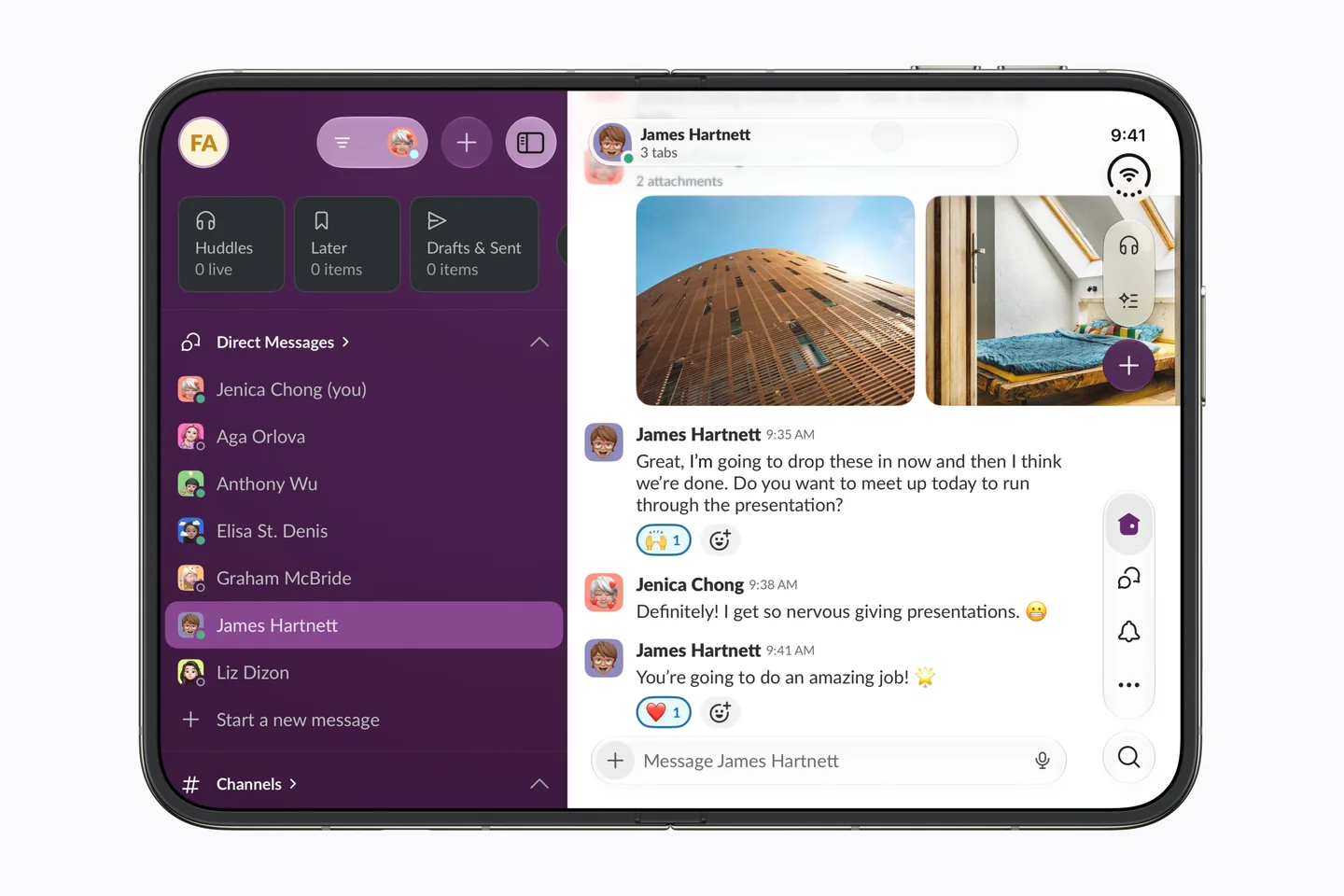
New device formats are a good test. When Apple introduces a new screen shape, native apps can respond as soon as the tools ship, while frameworks follow once their own support lands. We looked at that case in detail in what the iPhone Duo changes for apps.
When does Flutter win?
Flutter suits apps where the brand look matters more than platform convention, and where the same interface should appear identically on both phones. Because it draws its own interface, a custom design system, bespoke animation and a strong visual identity carry over to every screen without adaptation. It also reaches web and desktop from the same code, which helps internal tools and dashboards. The trade-off is that platform feel (scrolling physics, system menus, accessibility details) has to be checked deliberately on each side. Its official documentation is at flutter.dev.
When does React Native win?
React Native suits companies that already have web developers working in JavaScript or TypeScript, or a React website whose logic and people can be shared with the app. Because it uses the platform’s own components, it tends to feel at home on each phone without extra work. Over-the-air updates for the JavaScript layer can shorten the path for small fixes, within the stores’ rules. The trade-off is a larger set of third-party dependencies to keep current. The project’s documentation lives at reactnative.dev.
When does Kotlin Multiplatform win?
Kotlin Multiplatform suits teams that want native screens but refuse to write the same business rules twice. It fits apps with complex logic (pricing, offline sync, bookings, finance calculations) where a bug fixed once should be fixed everywhere, and it suits an existing Android app that is adding iOS. The interface stays fully native, so it costs more than Flutter or React Native for the screens, and less than two separate native apps overall.
When is a progressive web app enough?
A PWA is enough when the app is mostly content, forms, ordering or account management, and when getting people to install anything is the real obstacle. It shares one codebase with the website, updates the moment you publish, and needs no store review. Its limits are access to device features, background tasks and push behaviour, which differ by browser and platform. Many products start as a well-built mobile website, prove their use, and only then justify a store app.

How do you decide between native and cross-platform?
The steps below are the ones we follow with clients. They take a short workshop, not a research project.
- List what the app must do in its first release and in the year after. Mark every feature that touches the device: camera, location, notifications, payments, sensors, offline use.
- Mark the features that are new or platform-specific. If several of them sit at the heart of the product, native or Kotlin Multiplatform moves up the list.
- Decide how much the design must follow each platform. A strong custom identity points to Flutter; a familiar platform feel points to React Native or native.
- Look at who will maintain it. An in-house web team points to React Native or a PWA; an Android team points to Kotlin Multiplatform; an outside partner should name the people and the plan.
- Check whether you need the stores at all. If the answer is “not yet”, a PWA can be the first step.
- Build one risky screen as a test. A short technical spike on the hardest feature tells you more than any table.
- Write the decision down with its reasons. The next person to change the app needs to know why it was built that way.
How you run the build matters as much as the stack. Our comparison of agile vs waterfall explains why apps usually suit a fixed discovery phase followed by short build cycles.
What changes for cost and maintenance?
Cost follows the amount of work, and the approaches move that work around rather than removing it. We do not publish price ranges, because they depend on the brief; a fixed quote follows a short one. What we can say is where the money goes.
The build
Two native apps mean two interface builds, two sets of tests and usually two specialists. Cross-platform shares most of that, so the build is typically the smaller line, although platform-specific polish and native modules still take time. Kotlin Multiplatform sits between the two. A PWA is usually the smallest build because it extends the website.
The years after launch
Maintenance is where the choice really shows. Every operating system release, store policy change and security update must be absorbed. Native means doing it twice; cross-platform means doing it once, plus following the framework’s own upgrades; a PWA means following browsers. Over the life of an app, maintenance often outweighs the first build, so ask every quote how updates, upgrades and store submissions are handled.
Reading a quote
A good quote names the approach and why it was chosen, separates design, build, testing and store release, and states what support covers after launch. If two quotes differ widely, check whether one includes both platforms, accessibility testing and a maintenance plan while the other does not.
Questions people ask
Is native always faster than cross-platform?
Native has the most direct access to the device, so it sets the ceiling for performance. In practice, Flutter and React Native apps run smoothly for most business uses, such as lists, forms, ordering and accounts. The gap shows in heavy graphics, real-time media and complex animation, where native or careful optimisation is worth the extra work.
Flutter vs React Native: which should I choose?
Choose Flutter when a strong custom design must look identical on both platforms and you are happy to work in Dart. Choose React Native when you have JavaScript or TypeScript developers, a React website to share logic with, or want each platform’s own components. Both are mature, widely used and able to call native code.
Can I switch from cross-platform to native later?
Yes, but it is usually a rewrite of the interface rather than a migration. Business logic, designs, content and back-end services carry over; the screens do not. A common path is to launch cross-platform, learn what users actually need, and rebuild only the parts that demand native performance or device access.
Will Apple and Google accept cross-platform apps?
Yes. Both stores accept apps built with Flutter, React Native and Kotlin Multiplatform, and judge them by the same review guidelines as native apps. What matters is that the app behaves well, respects privacy rules and offers real value. A thin wrapper around a website, with no app-like features, is more likely to be rejected.
Is a PWA a real alternative to an app?
For content, ordering, booking and account tools, often yes: it installs to the home screen, works offline and costs one codebase. It is weaker for deep device access, background work and some notification behaviour, which vary by browser and platform. It is a sound first step when you are unsure an app store presence is needed.
If you are weighing native against cross-platform for a new product or a rebuild, the fastest way forward is a short brief: what the app must do, who will maintain it and when it needs to be in people’s hands. We will tell you which approach fits, and why, as part of our application development work. Talk to us about your app.