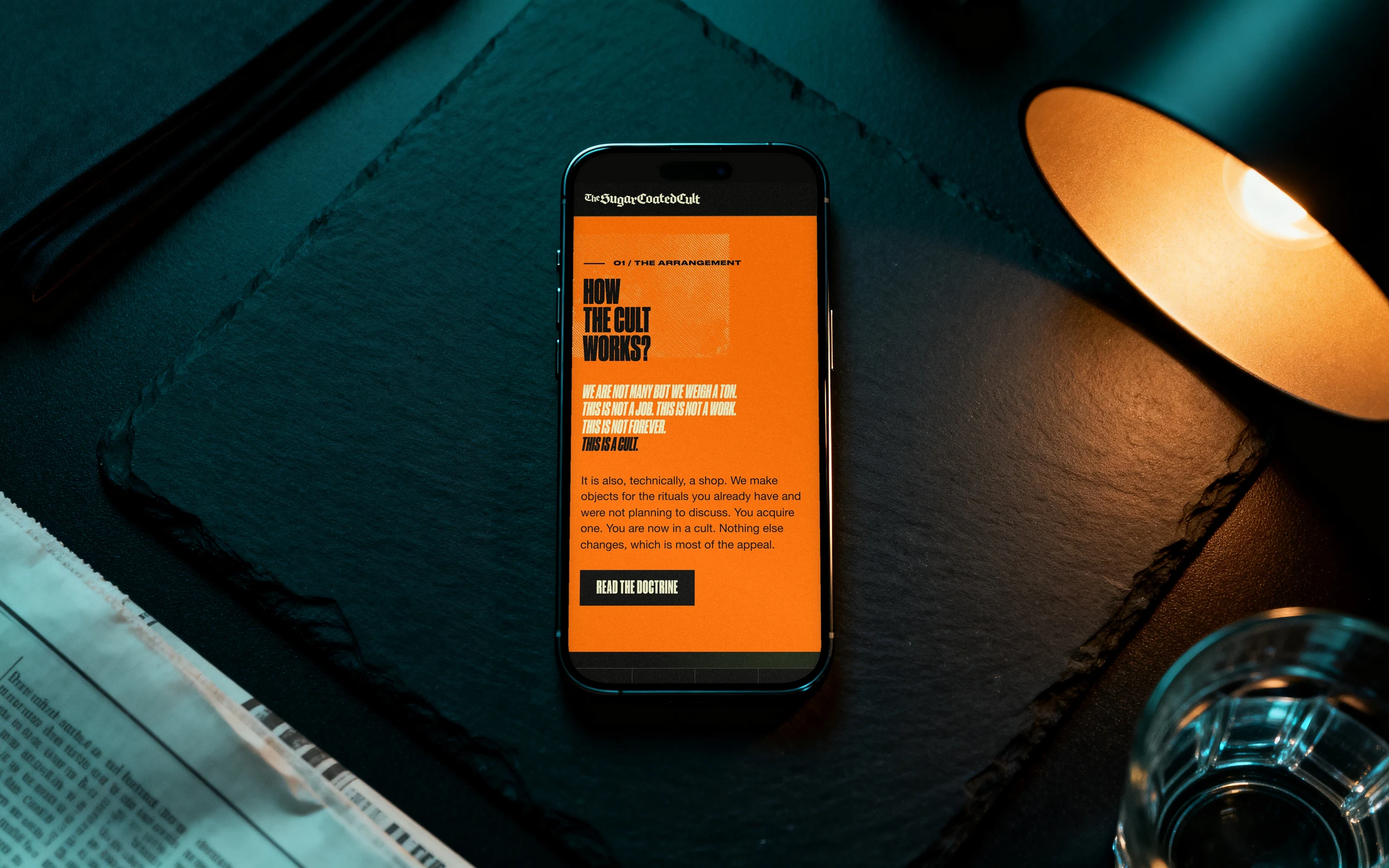
App development is the process of turning an idea into a working application on phones or the web, through discovery, design, build, testing, store submission and ongoing maintenance. Done well, each stage ends with a decision you can see and sign off, so the risk falls as the money goes out rather than all at the end. This guide walks through the app development process stage by stage, sets out who decides what in a table, explains how Apple and Google review an app, and closes with how to choose a partner, the GDPR basics and the questions buyers ask most.
Last updated: 21 October 2026.
What does app development involve?
An app is more than its screens. Behind the interface sit the data it stores, the accounts people sign in with, the services it talks to (payments, maps, messages), the admin tools your staff use, and the store listings that put it in front of users. App development covers all of it, and the work that happens before and after the code matters as much as the code itself.
At Odduel, a creative and technology agency in Barcelona and São Paulo, our application development work runs as the stages below. AI tools now carry much of the repetitive production (interface components, first drafts of front-end code, test cases), which shortens the build. Product decisions, interaction design, the brand in the interface and the final review stay human work, and that is where the attention and the budget should go.
In short: an app is built in stages that each end with a clear output. The early stages are cheap and decide most of the outcome. The build is the largest share of the effort. Store review and launch need planning of their own. And an app is never finished: it needs maintenance for as long as people use it.
What are the eight stages of app development?
Here is how to develop an app, in the order the work actually happens. Some stages overlap in practice, but none can be skipped without paying for it later.
- Idea and goal. Write down who the app is for, the one problem it solves for them and how you will know it works. A single page is enough.
- Discovery. Test the idea against users, competitors and constraints; choose the platforms; list the features and cut them to a first release.
- Design. Map the user journeys, sketch the screens, test a clickable prototype, then finish the visual design and the design system.
- Architecture and technical choices. Decide native or cross-platform, the back end, the data model, integrations and hosting.
- Build. Develop the app in short cycles, each ending with a working version you can install and try.
- Testing. Check function, devices, accessibility, performance and security, with real users on real phones before release.
- Store submission and launch. Prepare the listings, pass Apple and Google review, release in stages and watch the first days closely.
- Maintenance and growth. Fix, update for new operating systems, measure use and add features in planned releases.
The sections below explain each stage and what you should receive at the end of it.
Stage 1 and 2: idea and discovery
Discovery is the cheapest place to change your mind. A week or two spent here can save months of building the wrong thing.
What discovery produces
A useful discovery ends with written answers, not a slide of ambitions. Expect a short product brief (users, problem, goal, measure of success), a list of features ranked by value and effort, the first release cut from that list, a platform decision, the main risks, and a fixed quote for the next stages. If the idea is new and unproven, the first release should be a minimum viable product: our guide to MVP development explains how to decide what goes into it.
Questions to settle early
Will the app need accounts? Will it take payments, and are they for digital content (which the stores take a commission on) or physical goods and services (which they do not)? Does it need to work offline? Will staff need an admin panel? Each answer changes the scope, so it is better to know before the design starts.
Stage 3: design
Design is where the app becomes something people can react to. It moves from structure to surface in a fixed order.
From journeys to a prototype
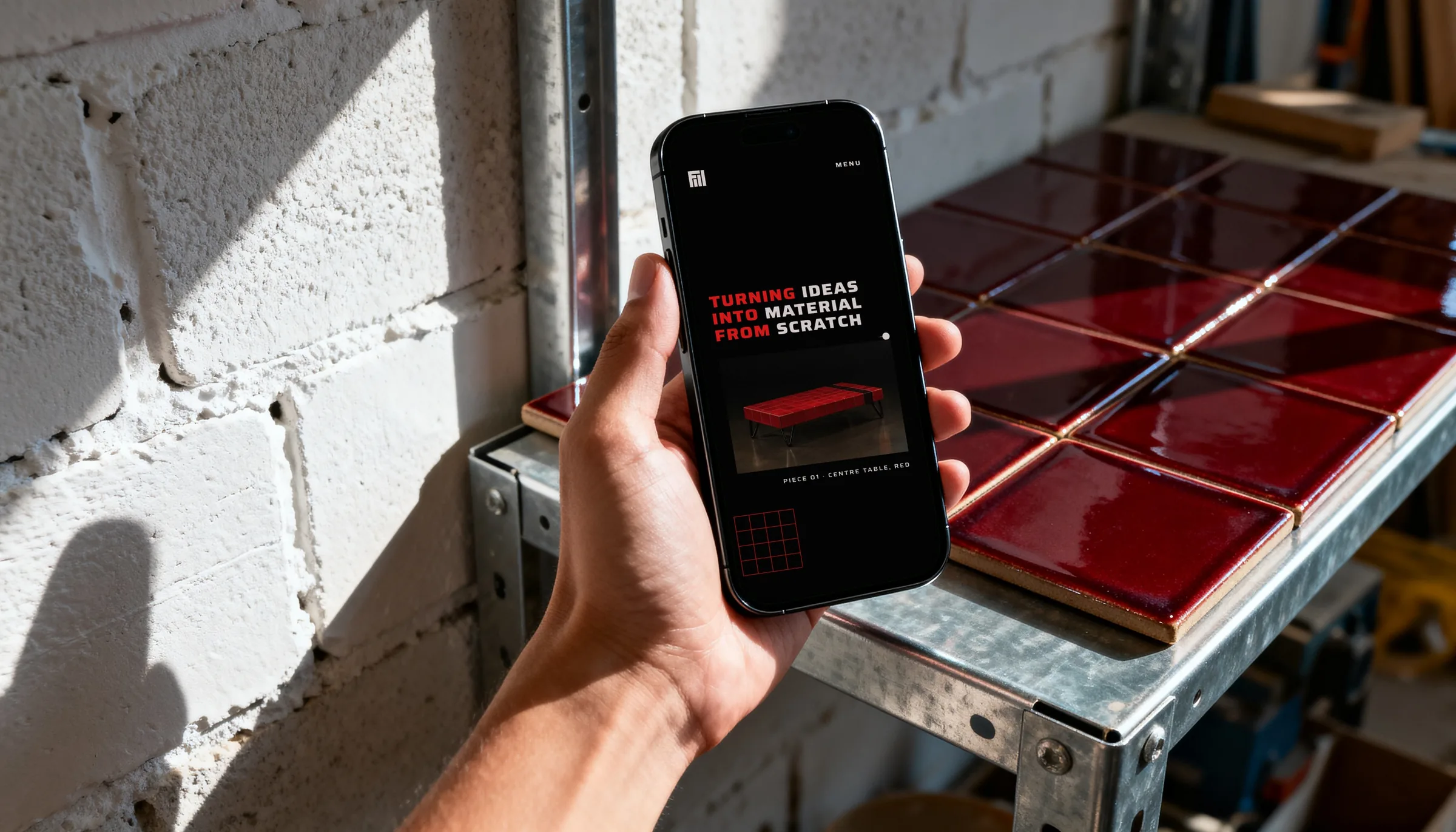
First come the user journeys: the paths someone takes to sign up, complete the main task and come back. Then low-detail wireframes of each screen, then a clickable prototype. Put the prototype in front of five or six people from your audience before any code is written; watching them use it shows problems no meeting will.
Visual design and the design system
Once the structure holds, the visual design applies the brand: type, colour, icons, motion. It is built as a design system, a library of components with their states (empty, loading, error, disabled), so the developers build each element once and the app stays consistent as it grows. Both stores publish interface guidelines, and following the platform’s conventions makes an app feel at home on each phone.
Stage 4 and 5: architecture and build
The build is the largest share of the work, and the choices made just before it decide how fast and how safely it goes.
Native or cross-platform
A native app is written separately for iOS and Android in each platform’s own language; a cross-platform app shares one codebase between both. The choice affects cost, performance and access to new device features. We compare the two in depth in native vs cross-platform apps; for most business apps a cross-platform framework is a sound default, with native reserved for apps that lean hard on the device.
Building in short cycles
The build runs in cycles of one or two weeks. Each ends with a version you can install through a test channel (TestFlight on iOS, a testing track on Google Play) and try on your own phone. Alongside the app itself come the back end (the server, database and APIs), the admin panel, analytics and crash reporting. Ask to see working software at the end of every cycle: it is the clearest measure of progress you will get.
Stage 6: testing before release
Testing runs through the whole build, but there is a dedicated pass before submission. It should cover:
- Function: every journey, including the unhappy ones (no connection, wrong password, payment declined).
- Devices: a range of screen sizes and operating system versions, not only the newest phones.
- Accessibility: screen readers, text size, contrast and touch target sizes.
- Performance: start-up time, battery use, behaviour on a slow connection.
- Security: how data is stored on the phone and sent to the server, and who can reach the admin panel.
A short beta with real users catches what an internal team never sees, because they already know how the app is meant to work.
Stage 7: store submission and launch
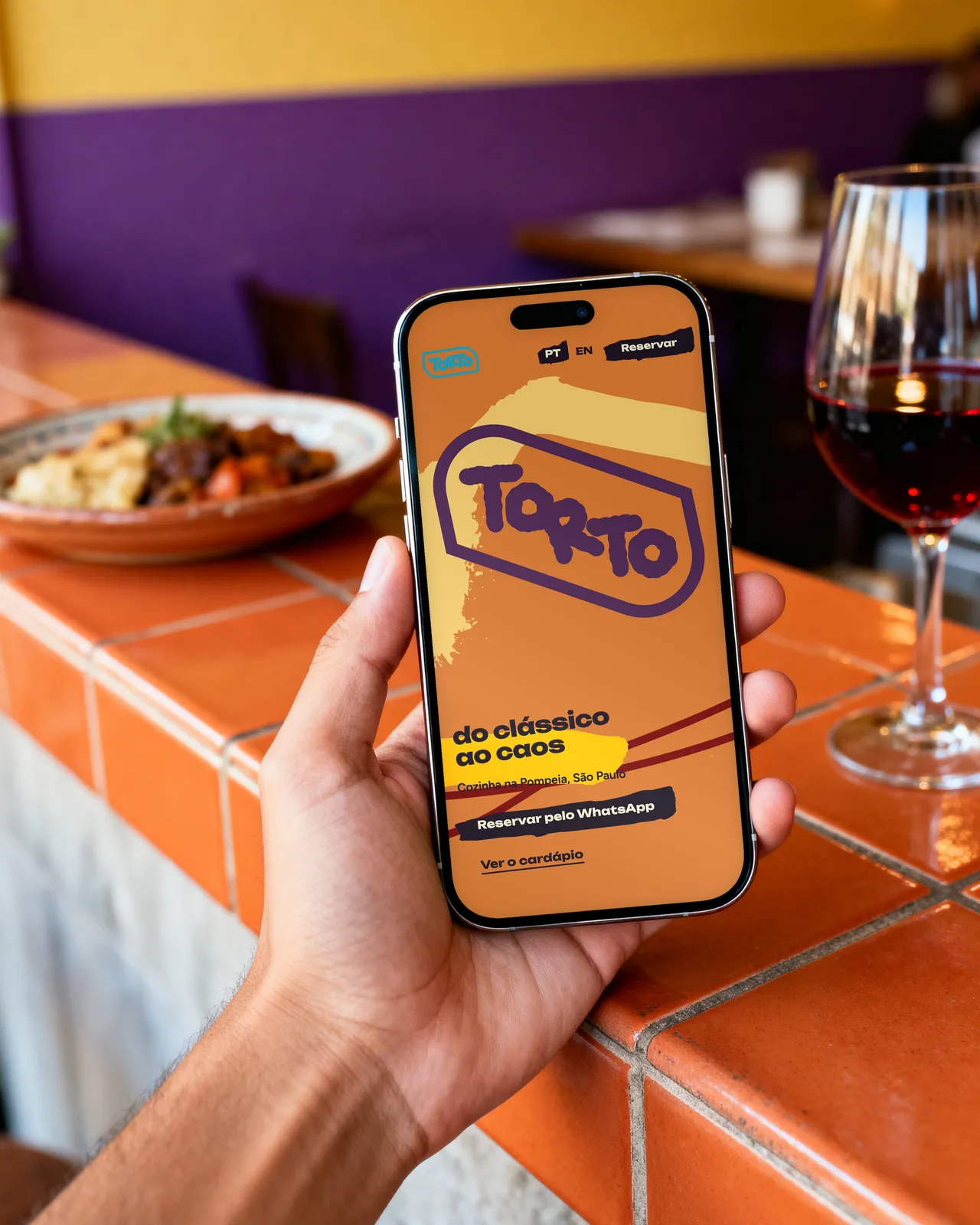
Getting into the stores is a stage of its own. Both Apple and Google review apps before they go live, and a rejection late in a schedule delays launch.
Apple App Store review
Every app and every update is checked by Apple against the App Store Review Guidelines, which cover safety, performance, business (including in-app purchases), design and legal matters. You need an Apple Developer Program membership, a complete listing with screenshots and a privacy policy, the privacy details Apple asks for, and, if the app has accounts, a test account for the reviewer and a way for users to delete their account from within the app.
Google Play review
Google reviews apps against its Developer Program Policies. You need a Play Console account, a store listing, a completed Data safety section describing what data the app collects and why, a content rating and a privacy policy. New personal developer accounts must also run a closed test with a group of testers before the app can be published to everyone, so plan that time into the schedule.
Launch in stages
Rather than releasing to everyone at once, release gradually: Google Play supports staged roll-outs, and Apple supports phased releases of updates. Watch crash reports, reviews and support messages in the first days, and keep the team available to ship a quick fix.
Stage 8: maintenance and growth
An app keeps costing effort after launch, and that should be in the plan from the start. Apple and Google release new operating system versions every year and raise the minimum requirements for apps, libraries need security updates, and servers need watching. Then there is the reason you built it: measuring how people use the app and improving it in planned releases.
Budget maintenance as a steady line rather than a surprise. Our article on app development cost sets out the cost lines of a build and of the years after it, and how to read a quote.
Stages, decisions and outputs at a glance
The table below sums up the app development steps: what happens at each, who on your side should make the call, and what you should hold at the end.
| Stage | What happens | Who decides | Output |
|---|---|---|---|
| Idea | Goal, audience and problem written down | Founder or business owner | One-page product brief |
| Discovery | Research, features ranked, platforms chosen | Product owner with the agency | Scope of the first release, fixed quote |
| Design | Journeys, wireframes, prototype, visual design | Product owner, after user tests | Tested prototype, design system |
| Architecture | Native or cross-platform, back end, data model | Agency proposes, owner approves | Technical plan |
| Build | Short cycles of working software | Product owner sets priorities each cycle | Installable test versions |
| Testing | Function, devices, accessibility, security, beta | Agency runs, owner signs off | Release candidate |
| Store and launch | Listings, review, staged release | Owner approves listings and timing | Live app in both stores |
| Maintenance | Updates, fixes, measured improvements | Owner and agency, per release | Release plan, support agreement |
How do you choose an app development partner?
The right partner makes the stages above visible to you. When you compare agencies or studios, look for these signs:
- Live apps you can install. Ask for apps in the stores, not only screens in a portfolio, and ask what part of each the team built.
- A paid discovery before a build quote. A fixed price for a full app before anyone has examined the problem is a guess.
- Design and engineering in the same conversation. The interface and the code constrain each other; ask how decisions pass between them.
- Working software every cycle. Ask how often you will install a new version.
- Ownership. The code, design files, store accounts and data should be yours, in your name, from the start.
- A maintenance plan. Ask what happens after launch, who answers when something breaks, and how quickly.
Be wary of anyone who promises a store approval date, since only Apple and Google decide that, or who cannot explain their testing.
What does GDPR mean for app development?
If your app has users in the European Union, the General Data Protection Regulation applies to the personal data it handles: names, emails, locations, device identifiers, health data and more. The essentials to build in from the design stage:
- Collect only what you need, and know why you need each item.
- Have a lawful basis for each use, and ask for consent where the law requires it, for example before non-essential analytics or marketing tracking.
- Write a clear privacy policy and link it in the app and in both store listings.
- Let users see, export and delete their data, including deleting the account from within the app.
- Sign data processing agreements with every service that handles the data (hosting, analytics, email), and know where the data is stored.
- Secure it: encrypt data in transit and at rest, and limit who on your side can see it.
This is a starting point, not legal advice: for health, finance or children’s apps, talk to a data protection specialist early.
Questions people ask
How long does it take to develop an app?
It depends on scope more than anything else. A focused first release with a handful of core journeys is a matter of a few months from discovery to store; a large app with many roles, integrations and an admin panel takes longer. A discovery phase gives you a dated plan for your own app rather than a general estimate.
Do I need an app or would a web app do?
If your users come back often, need notifications, use the camera or location heavily, or expect to find you in a store, an app makes sense. If they visit occasionally to read, book or buy, a well-built website or progressive web app is often enough, costs less to run and needs no store review.
Can I build an app for iOS and Android at the same time?
Yes. Cross-platform frameworks let one codebase serve both, which usually shortens the build and simplifies maintenance. You still design for each platform’s conventions and test on both, and you submit to each store separately. Native development for both is also possible, but it means two codebases to build and keep up to date.
Why do apps get rejected by the stores?
Common reasons are crashes or broken features found by the reviewer, missing or vague privacy information, no test account for a sign-in, payments for digital content that bypass in-app purchase, and an app that adds too little beyond a website. Reading Apple’s and Google’s guidelines before design avoids most of these.
Who owns the app when the agency has built it?
You should. The contract should assign the code, designs and content to you, the store developer accounts should be registered in your company’s name, and you should hold the keys and passwords for hosting and services. Check this before signing, because moving an app between developer accounts later takes time.
If you have an app in mind, the best first step is a short discovery: it turns the idea into a scoped first release, a tested design direction and a fixed quote, so every later decision rests on something you have seen. Read how we approach application development, or talk to us about your app.